Showing posts with label android. Show all posts

How To Hack Facebook With termux 2018


How To Hack Facebook With termux 2018 - Hello reader How to Hack Facebook With termux 2018, we have prepared this article well for you to read and take the information in it. hopefully the contents of the post, which we write you can understand. okay, happy reading.


Multi Bruteforce Facebook feature:

  • Auto grab ID facebook from group
  • Auto grab ID facebook from friendlist
  • Mass Bruteforce facebook account
  • Bruteforce with single password
  • Bruteforce with wordlist
Installation:
$ pkg install python2 git 
$ pip2 install mechanize

Running tool:
$ git clone  https://github.com/pirmansx/multi-bruteforce-facebook.git $ cd multi-bruteforce-facebook 
$ python2 MBF.py


Option number:
1 for grab ID from group 
2 for grab ID from your friendlist 
3 for exit
If you chosse option 1. you must now ID target group 
login facebook with your browser, and search target group ,, open the group and see the link
Untitled
you can see the ID of the facebook group, and copy it.


That's an article from How To Hack Facebook with termux 2018 this time, hopefully can benefit for you all. okay, see you in other article post.

Root Android via KingoRoot APK Without PC Step by Step

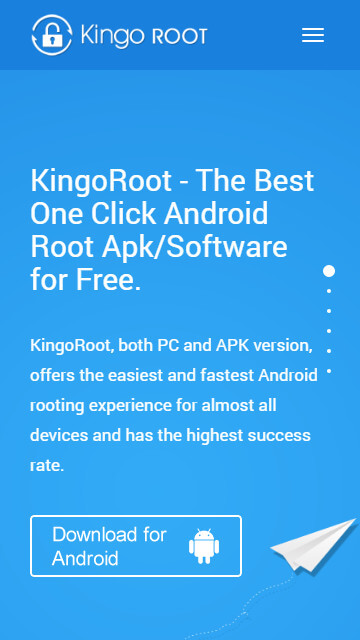
Step 1: Free download KingoRoot.apk.

Root Android with KingoRoot apk, without connecting to PC
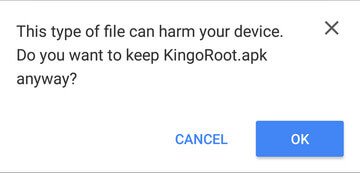
The download will be automatically started. If Chrome has warned you about KingoRoot.apk, click "OK" to proceed.
KingoRoot Apk Download, the best one-click root apk for free
If you are using PC to view this tutorial, you have three choices.

Step 2: Install KingoRoot.apk on your device.

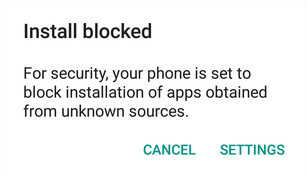
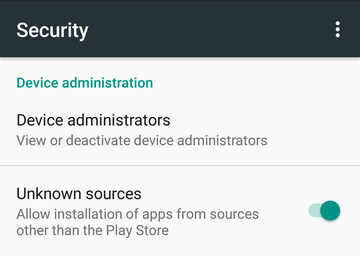
If you didn't check "Unknown Sources" in Settings > Security, then during installation, you will get a prompt "Install blocked", stating that "For security, your phone is set to block installation of apps obtained from unknown sources".
Root any Android device with KingoRoot, the best one-click Android apk root tool.
Just follow phone instructions and install Kingo Root on your device and allow installs from "Unknown Sources".
Root any Android device with KingoRoot, the best one-click Android apk root tool.

Step 3: Launch "Kingo ROOT" app and start rooting.

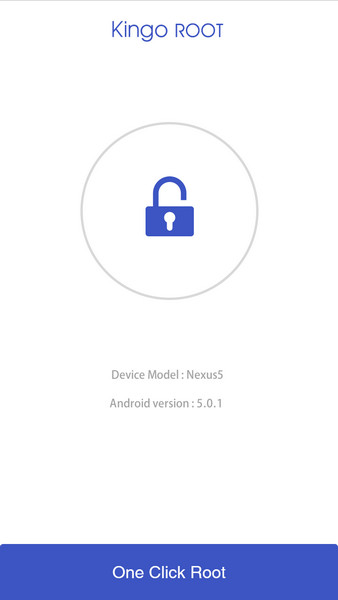
Kingo Root is very user-friendly and easy to use. Click "One Click Root" to start the rooting process.
Kingo Root Apk Main Interface

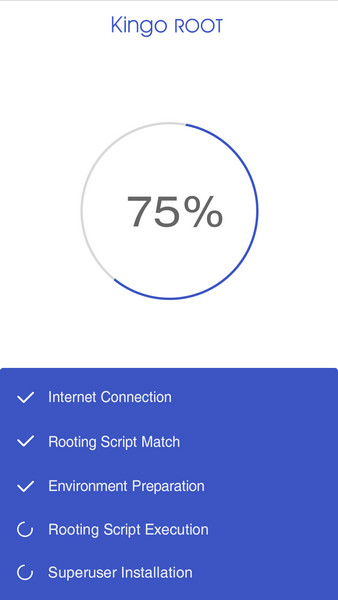
Step 4: Waiting for a few seconds till the result screen appear.

Kingo Root Apk Rooting

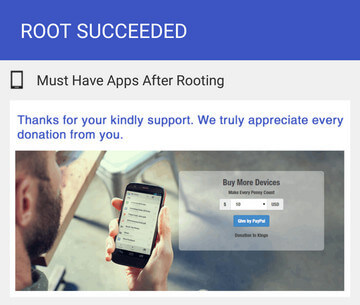
Step 5: Succeeded or Failed.

It is highly recommended that you try several times when rooting with KingoRoot apk version. We have several rooting methods integrated in apk root, however, it will only run one at a time.
Kingo Root Apk Root Succeed
       Note:
                If KingoRoot APK failed to root your device after several trials, please refer to KingoRoot Android (PC Version), which has a much higher success rate due to technical reasons.
Copyright © 2013 Anonymous Hacker